This anime upscaler takes an anime or cartoon clip and returns it at 1080p, 2K or 4K with outlines kept clean, flat colours kept flat and compression noise cleaned out as it goes. Stills work too: a PNG, JPG or WebP comes back ×2 or ×4 as a PNG.
Last updated:
OriginalUpscaled
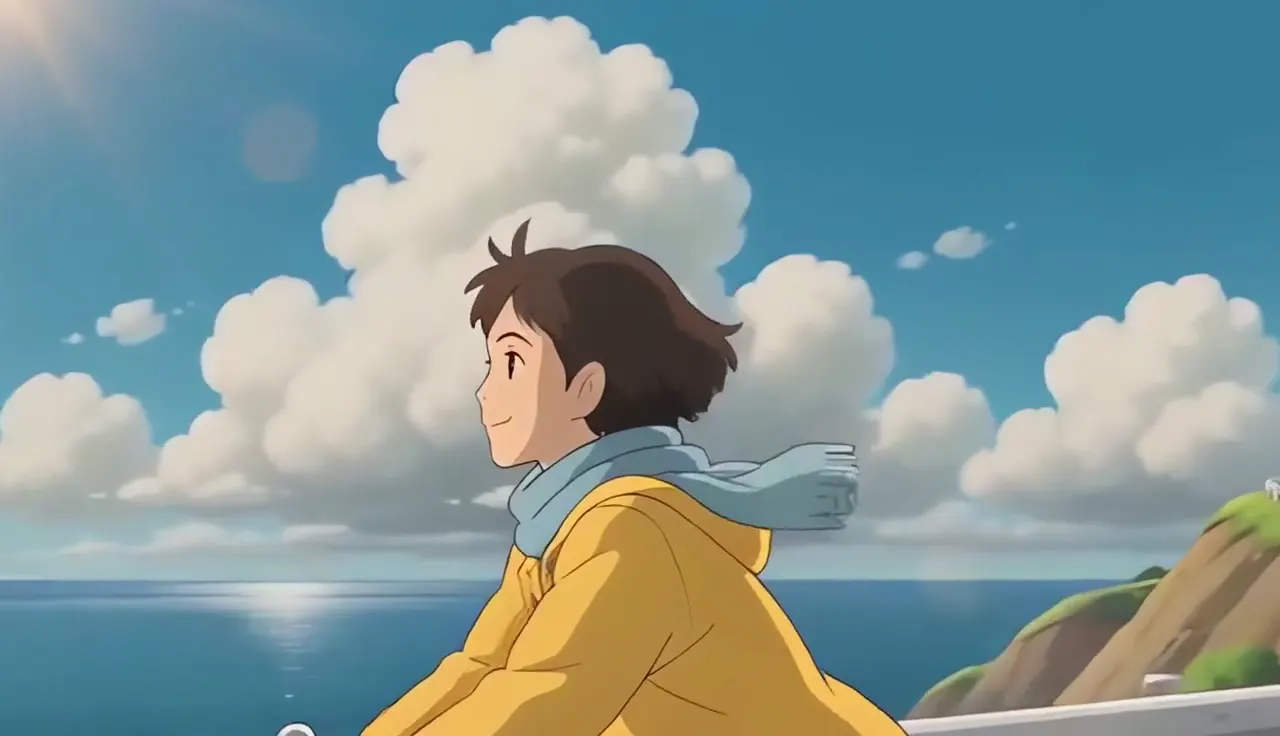
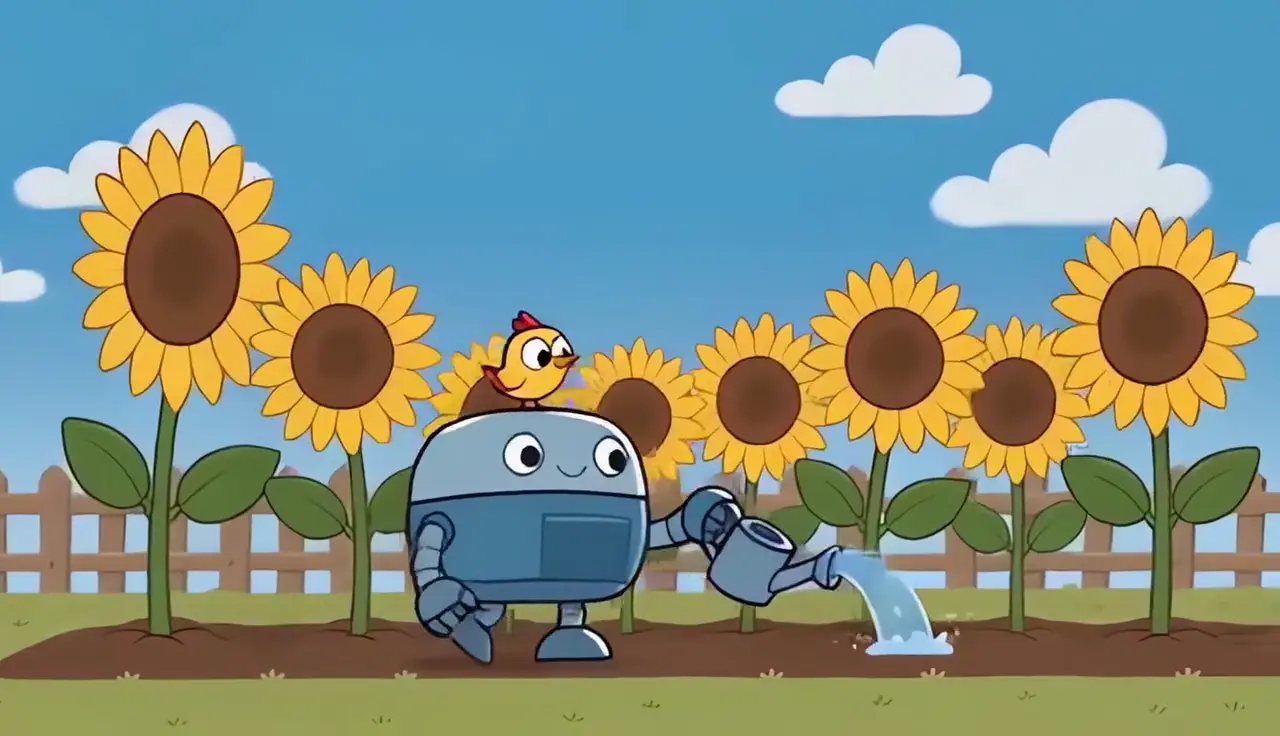
Real result: a soft 640×368 clip run once through Anime, cartoon & screen at 4K. Drag to compare.
1Your video
2How to upscale it
Line-art model: clean outlines, flat colours kept flat, sharp text and UI edges; compression noise and banding cleaned up as it upscales.
Upload a clip to see its exact price.
Your 210 free sign-up credits cover one 10-second clip at 1080p.
Real results from this studio
OriginalUpscaled
Anime, cartoon & screen · 2K
OriginalUpscaled
Anime, cartoon & screen · 1080p
Good for
Your own animation renders, exported small and needed big
Old fan edits and AMVs you cut yourself from footage you have the rights to
Character sheets, key art and screenshots you want at print or wallpaper size
Cartoon shorts with thick outlines and large areas of one colour
How it works
1
Upload a clip or an image
A video in MP4, MOV, MKV, WebM or AVI up to 50 MB, or switch to image mode for a PNG, JPG or WebP up to 10 MB. Tick the box confirming you own it or have the rights to upscale it.
2
Keep "Anime, cartoon & screen" and pick a size
Choose 1080p, 2K or 4K for a clip, or ×2 or ×4 for an image. The studio measures the file and shows the exact price before you start.
3
Upscale and download
Clips come back as MP4 (H.264) with the same length, frame rate and sound; images come back as PNG. Compare before and after in the studio, then download.
Why anime needs its own model
A general photo upscaler is trained to invent texture: pores, fabric, leaves. On anime that texture turns into grain inside areas that should be one flat colour, and outlines grow soft halos. The "Anime, cartoon & screen" type uses a Real-ESRGAN line-art model trained on drawn images instead. It treats an outline as a hard edge to redraw at the new size, keeps a fill as a fill, and removes the blocky compression noise and banding that streaming and re-encoding leave behind. That clean-up is part of the same pass, so there is no separate denoise switch to set.
Video mode and image mode
Video mode takes clips up to 60 s for a 720p 30 fps source. It keeps one output second per input second, with the original frame rate, aspect ratio and audio. Image mode, only on this page, takes a single still: ×2 for images up to 2048 px on the long side, ×4 for images up to 1920 px. Use image mode for a key frame, a poster or a character sheet; it costs 6 credits for ×2 and 8 for ×4, much less than a clip.
1080p, 2K or 4K: which to pick
Pick 1080p when the source is 480p or 540p and the clip will be watched on a phone or a laptop; most of the visible gain is already there. Pick 2K for a 720p source headed for a large monitor, or when you plan to crop or zoom in an edit. Pick 4K when the source is a clean 720p or 1080p render and the result is for a TV or a 4K timeline. To upscale anime that is already heavily compressed, 1080p or 2K often looks as good as 4K for less, because the model can only rebuild lines the source still shows.
What it costs
Clips are priced per second, rounded up, with a 10-second minimum. That is 21 credits a second at 1080p, 23 at 2K and 28 at 4K, so a 10-second 720p clip is 210 credits at 1080p or 280 at 4K. Those rates are for a 720p 30 fps source; a bigger frame or a higher frame rate costs proportionally more per second and the length limit shrinks to match. The studio shows the measured price after upload, and failed jobs refund automatically.
Specs
Upload
MP4, MOV, MKV, WebM or AVI, up to 50 MB, at least 96 px
Model
Anime, cartoon & screen
Length
Up to 60 s at 720p 30 fps, shorter for heavier clips
Download
MP4 at 1080p, 2K or 4K, audio and frame rate kept
Images
PNG, JPG or WebP up to 10 MB → PNG at ×2 (6 credits) or ×4 (8 credits)
Rights
Clips you made or may use; results private, uploads deleted after 7 days
Free
210 credits for new accounts: one 10-second anime clip at 1080p
What a clip costs
New accounts get 210 free credits. The Continue pack is $5.09 and its credits never expire. See all plans and packs
Content
1080p
2K
4K
Anime, cartoon & screen
21 cr/s
23 cr/s
28 cr/s
Game & 3D
51 cr/s
52 cr/s
58 cr/s
The cheapest pack is $5.09; the largest yearly plan is $432.00.
Questions about this page
Can I try the anime upscaler for free?+−
Yes. New accounts get 210 credits once after verifying their email, enough for one 10-second anime clip at 1080p.
How long can a clip be?+−
Up to 60 s for a 720p 30 fps clip, and up to 50 MB. A larger frame or a higher frame rate makes the limit proportionally shorter. Split a longer episode into parts.
Does it change the frame rate or the sound?+−
No. Length, frame rate, aspect ratio and audio are kept. It does not add frames or convert to 60 fps; only the picture is enlarged and cleaned.
Can I upscale episodes I downloaded?+−
Only files you own or have the rights to upscale. You confirm that with a box on every upload, and takedown requests go to support@aiupscale.video.
Can I use the results commercially?+−
Paid accounts may use results commercially, as long as you hold the rights to the source. Paid accounts can also run 3 jobs at once.